AI SprintFlow

Features

Everything AI SprintFlow does to turn a story into a pull request your team is happy to review.

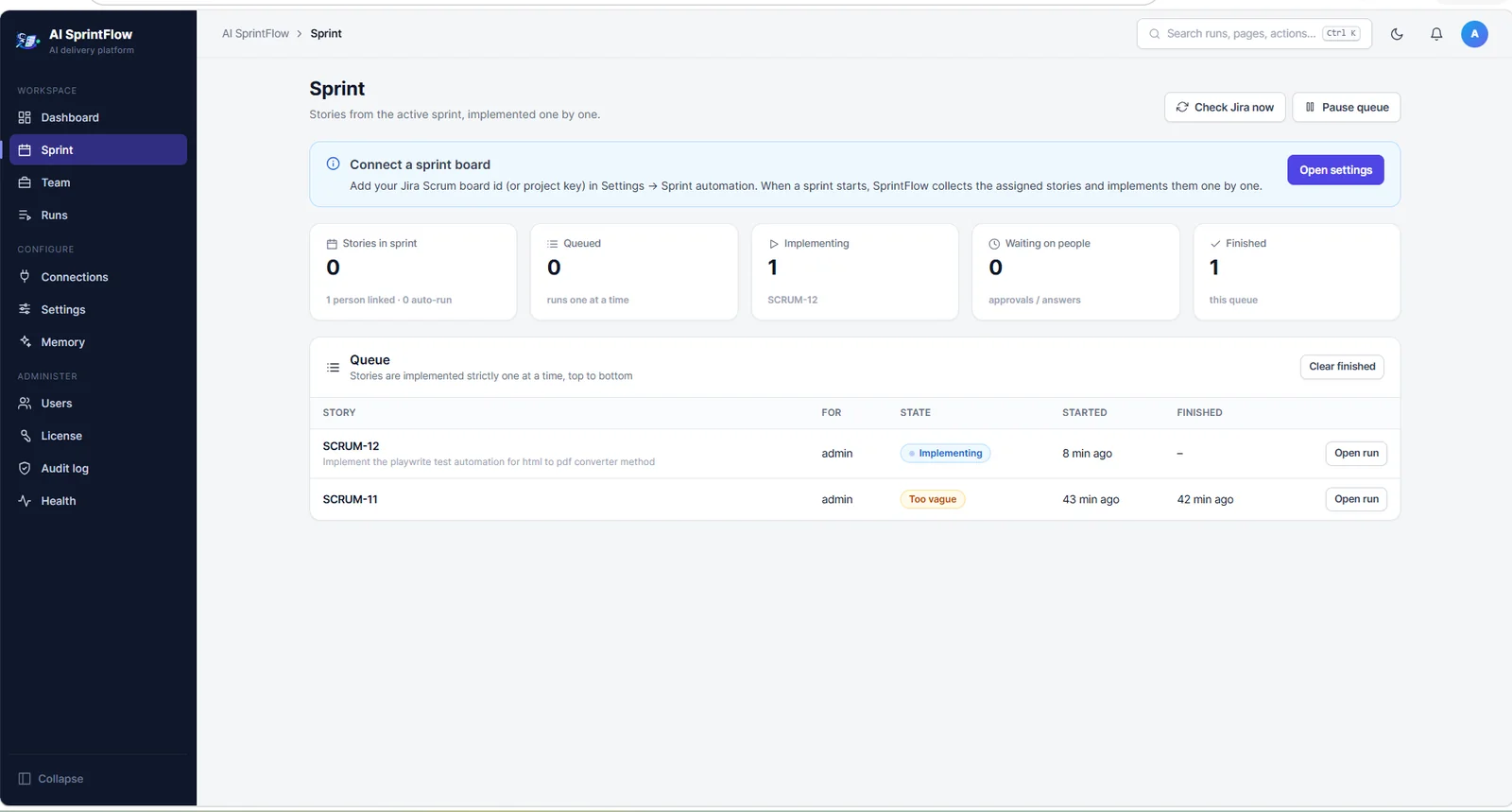
Works through your sprint, one story at a time

Connect your Scrum board and AI SprintFlow queues the stories assigned to it when the sprint starts. Pause, reorder or run a single ticket whenever you like.

  • Sprint queue with live status for every story
  • Run any ticket on demand, or as a dry run first
  • Moves tickets to In Progress and In Review for you
Works through your sprint, one story at a time

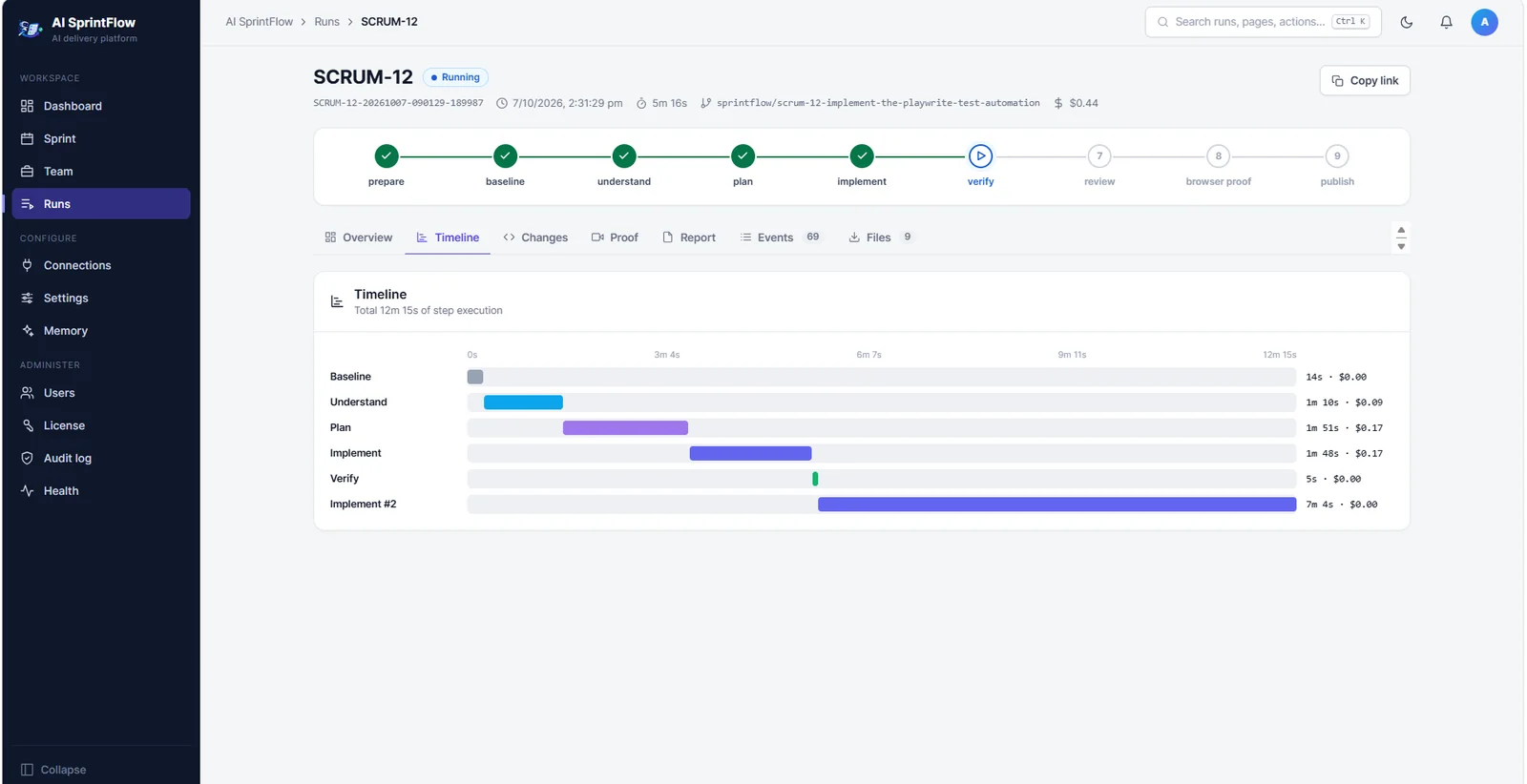
Every step visible, with its time and cost

Each run shows its steps on a timeline: understand, plan, implement, verify, review, browser proof and publish, with the duration and cost of each.

  • Changes, report, events and files for every run
  • Browser-proof videos for UI stories
  • Questions go to the ticket when something is unclear
Every step visible, with its time and cost

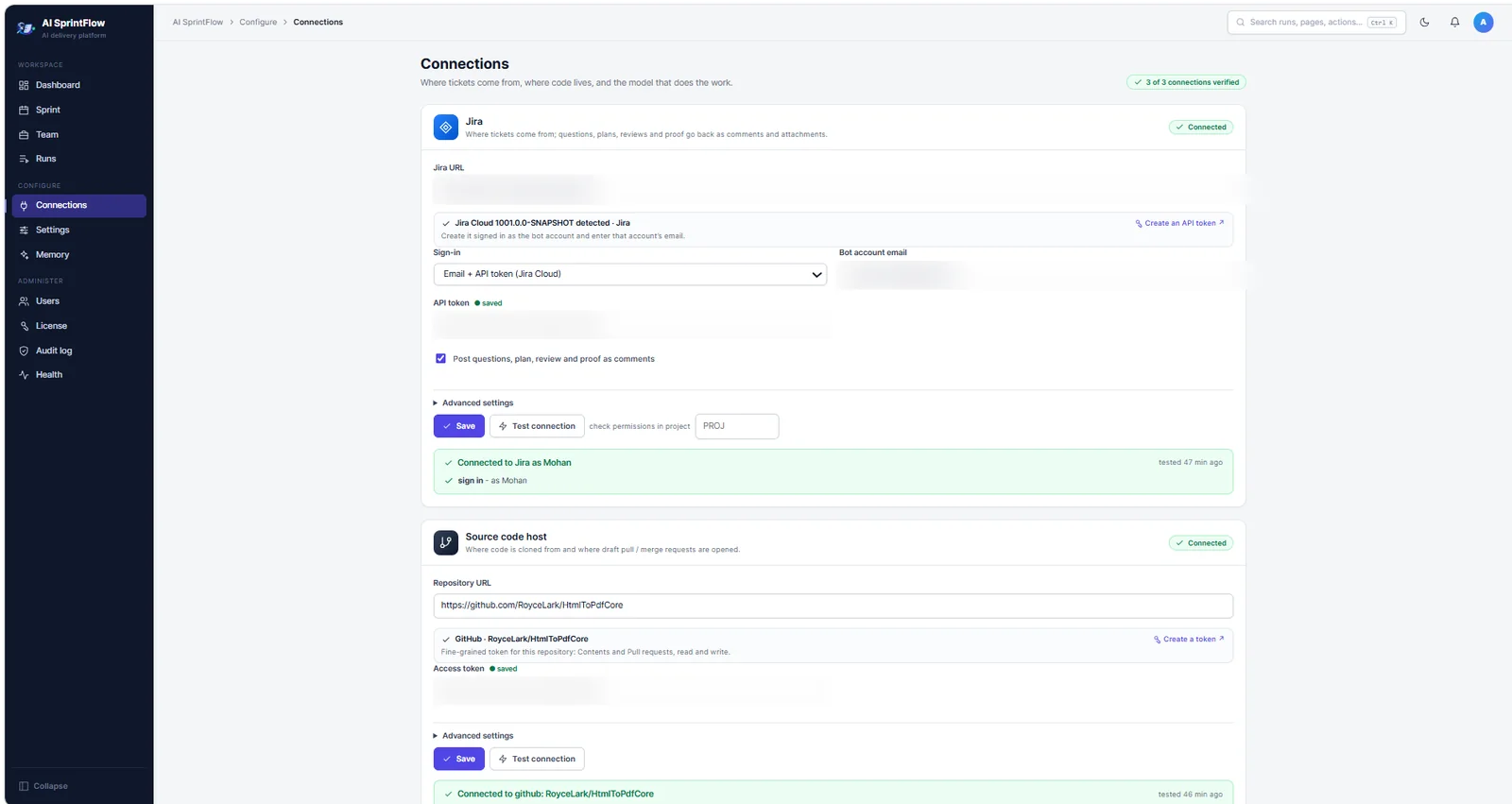
Connect Jira, your code host and any AI model

Jira Cloud or Data Center; GitHub, GitLab, Bitbucket, Azure DevOps, Gitea or any git server; and the AI model you choose. Test connection tells you exactly what is missing.

  • Credentials stored encrypted and never shown again
  • Local models with Ollama, LM Studio or vLLM
  • Any OpenAI-compatible endpoint with its own URL, version and headers
Connect Jira, your code host and any AI model

Learns your repositories

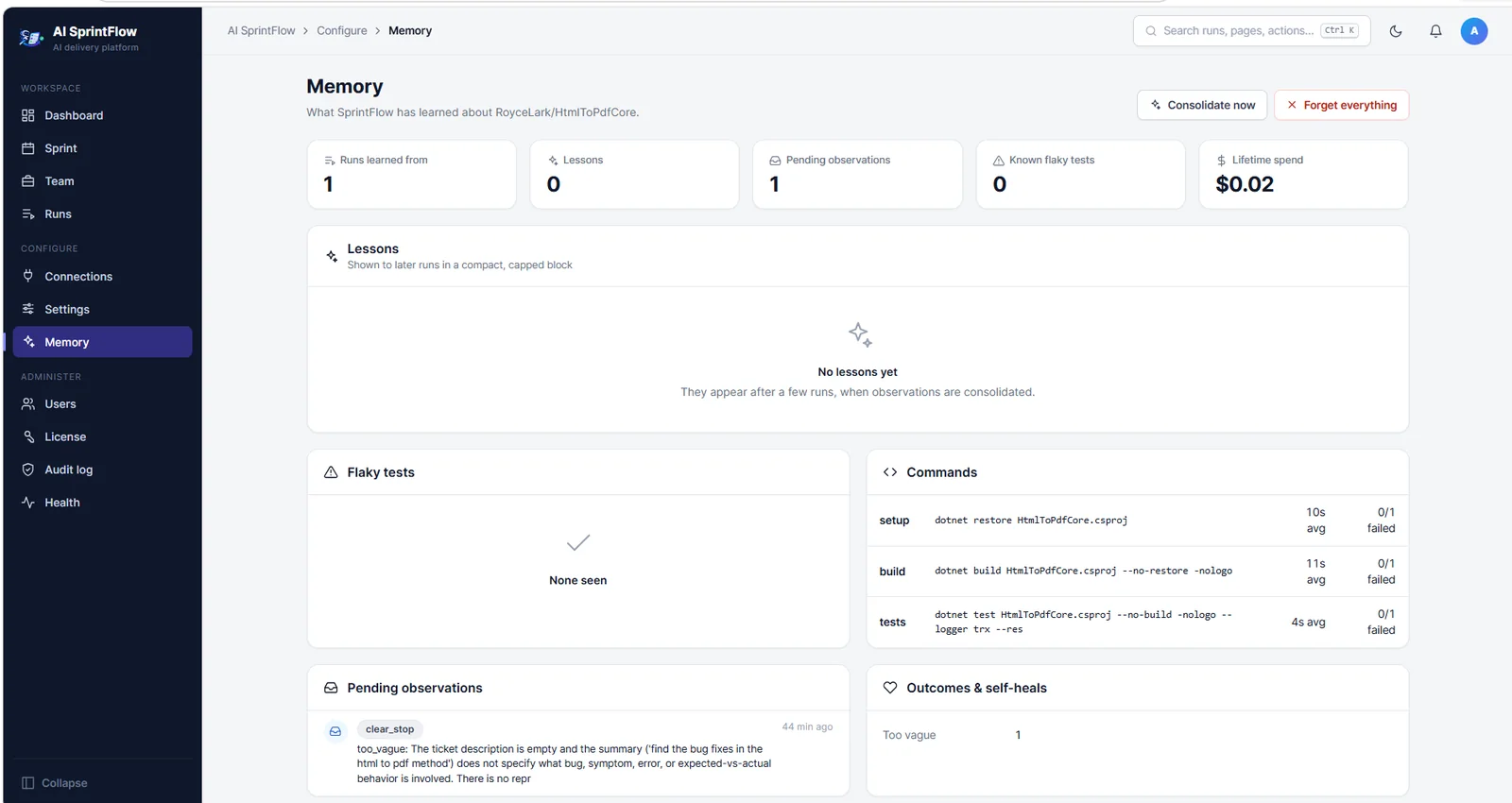
AI SprintFlow remembers your build and test commands, flaky tests and the lessons of earlier runs, so the next story starts faster and uses fewer tokens.

  • Build, test and setup commands with their timings
  • Known flaky tests
  • Lessons you can review or forget
Learns your repositories

Guardrails you control

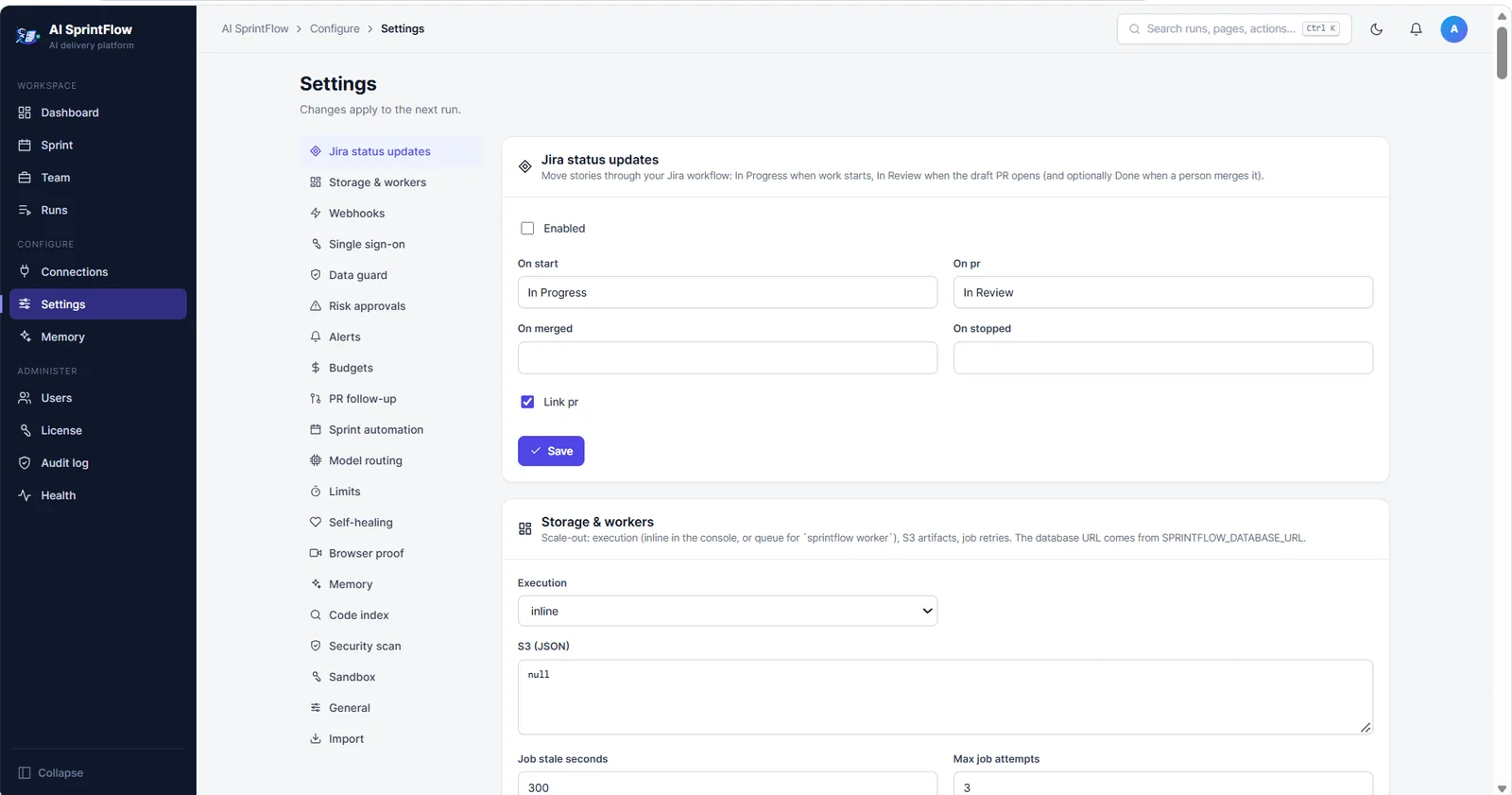
Budgets, limits, data guard, risk approvals, browser proof, sandboxing and more, all in one Settings page.

  • Cost caps per run, per day and per month
  • Data guard masks personal data and secrets
  • Risk rules and code owners that need a person's approval
  • Builds in Docker or Podman containers
Guardrails you control

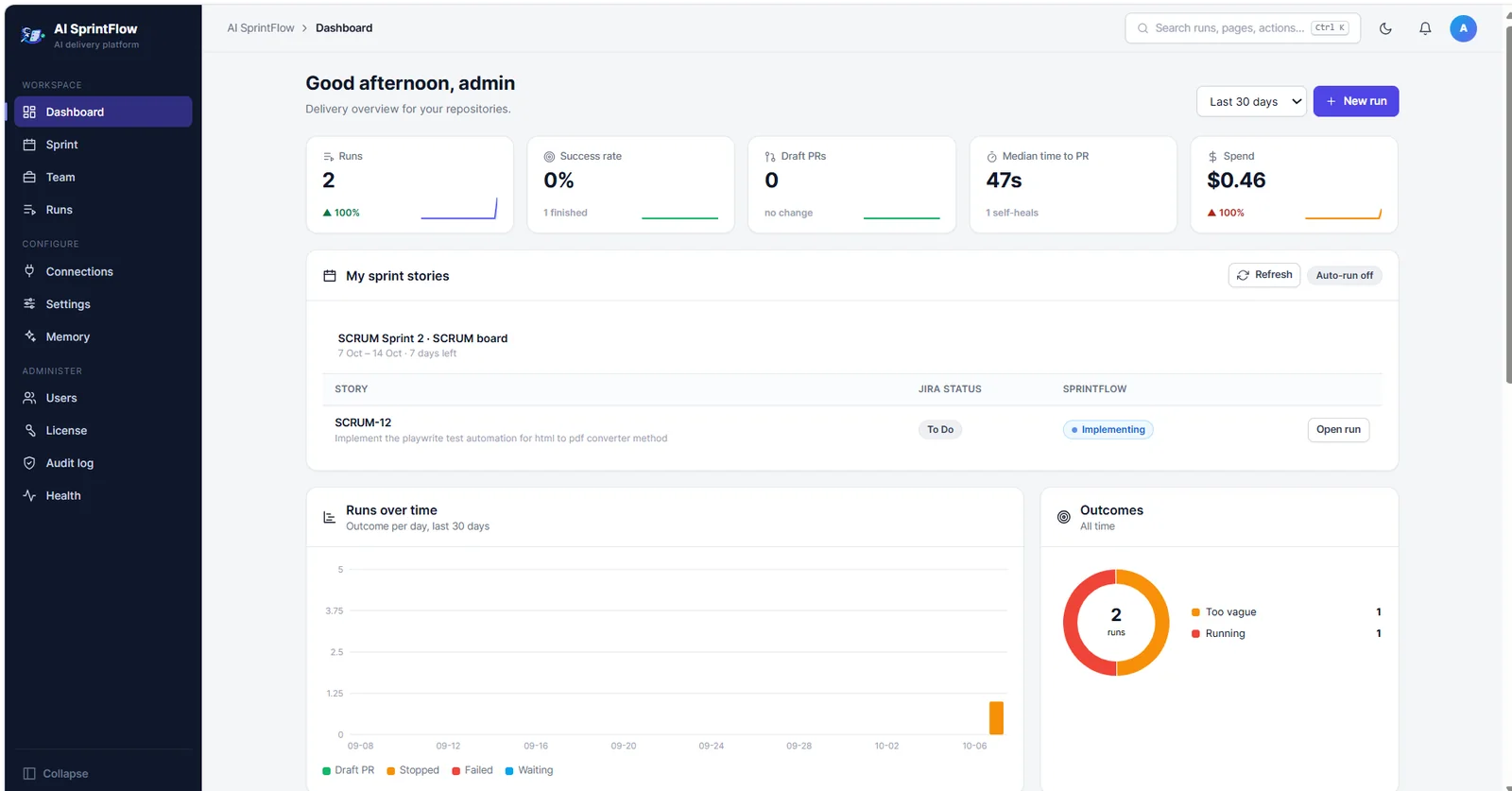
Delivery at a glance

Runs, success rate, draft pull requests, median time to PR and spend, with outcomes over time.

  • Team view: progress by person and project
  • Export to CSV
  • Alerts to Slack, Microsoft Teams, email or a webhook
Delivery at a glance

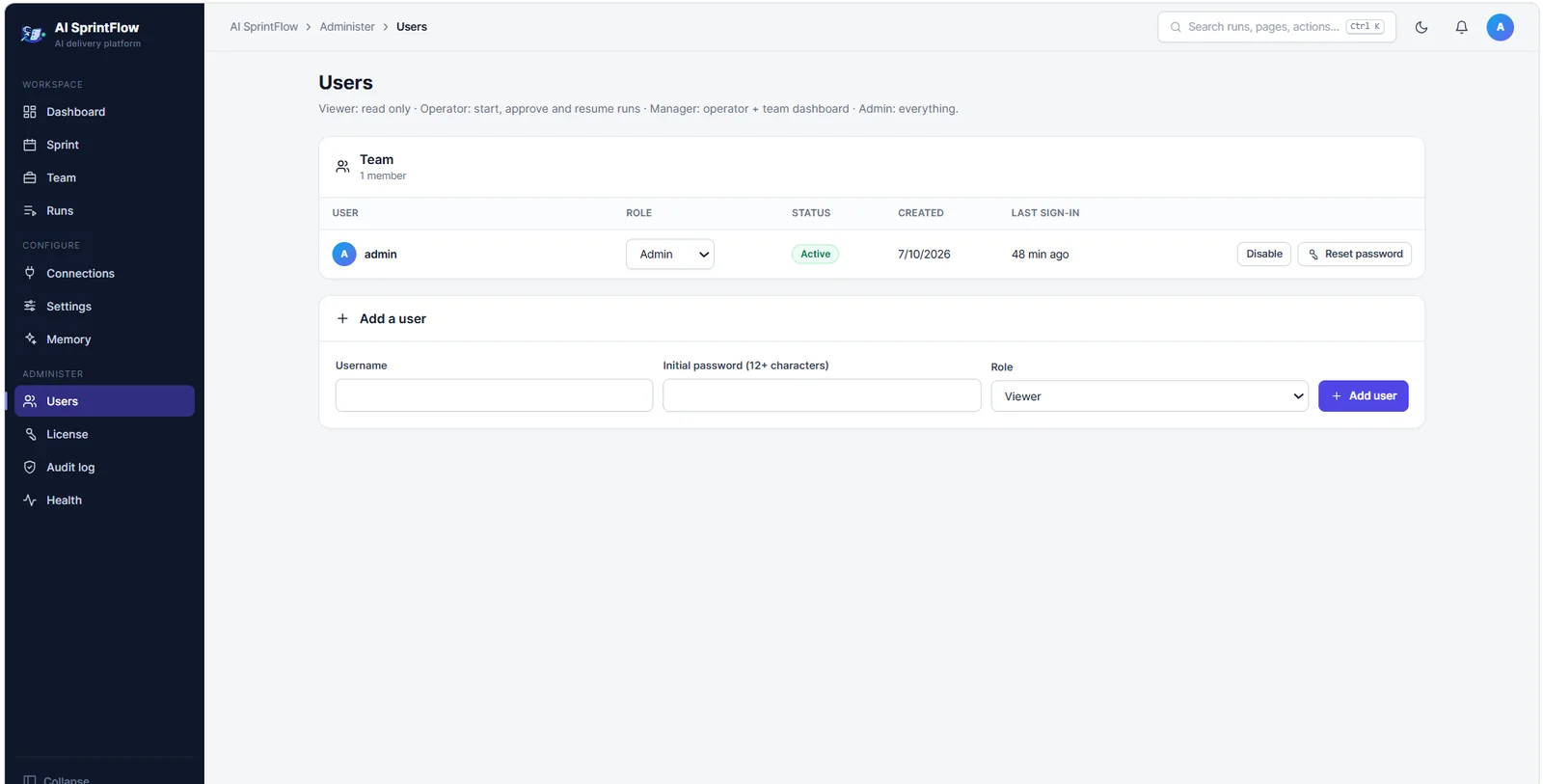
Built for teams

Roles for viewers, operators, managers and admins, single sign-on with your identity provider, and an audit log of every sign-in, change and action.

  • Viewers are free
  • OpenID Connect single sign-on
  • Usage report for renewals
Built for teams

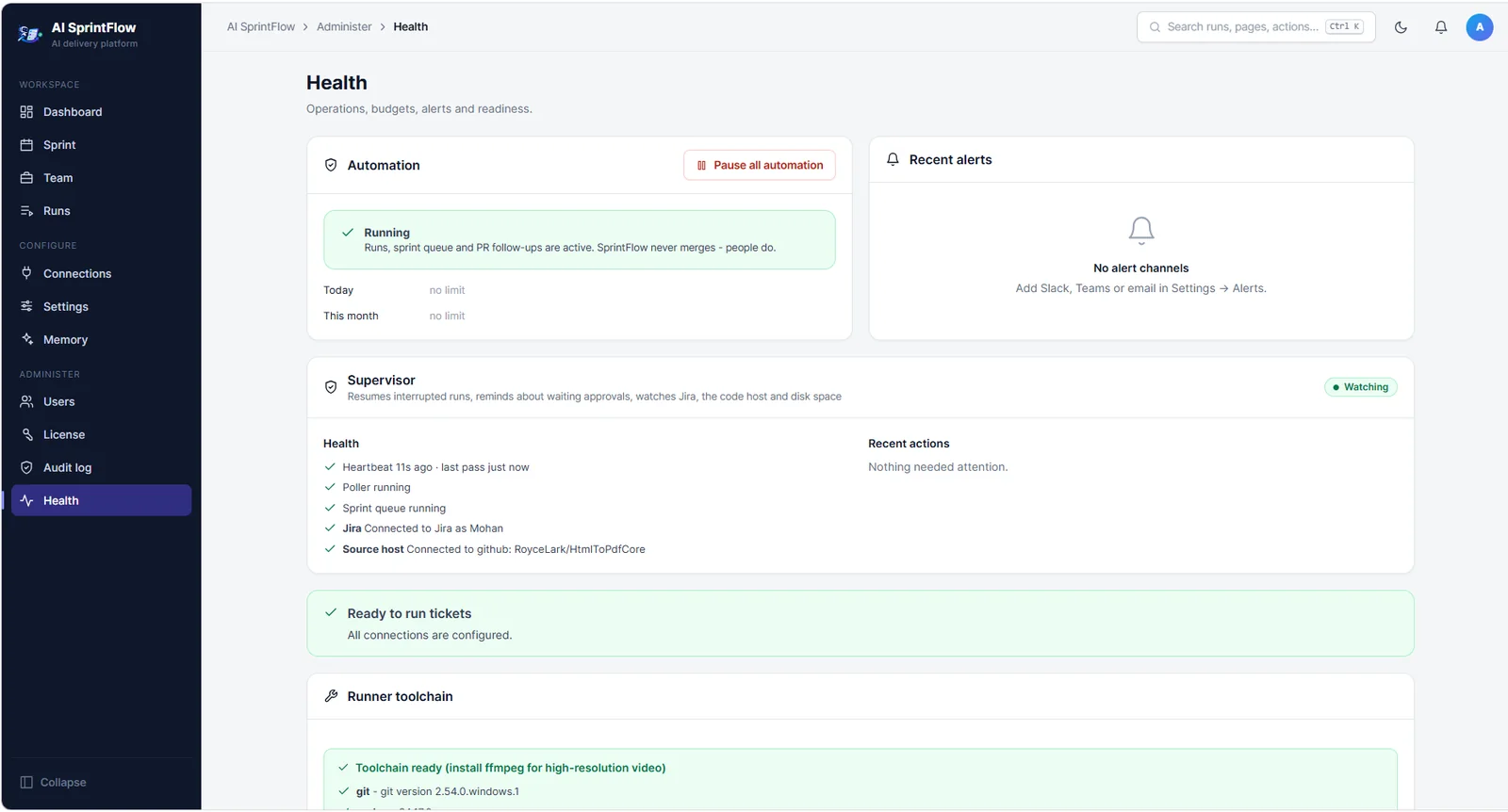
Keeps itself running

A supervisor watches runs, approvals, dependencies and disk, resumes interrupted work and tells you when something needs a person.

  • Automatic recovery from network and API outages
  • Pause all automation with one click
  • Runner toolchain check: git, build tools, ffmpeg
Keeps itself running

And more

Self-healing

Retries transient failures and fixes broken builds within strict limits.

PR follow-up

Acts on review comments and failed CI on its pull requests.

Browser proof

Records the feature working in a real browser for UI stories.

Security scan

Runs any SARIF scanner, such as Semgrep or Trivy, on each change.

Model routing

Uses a cheaper model for simple steps and a stronger one where it matters.

Scales out

PostgreSQL, S3 storage and worker queues for large teams.

Webhooks

Starts work from Jira, GitHub and GitLab events.

Code index

Built-in code search, or your own indexer, to find the right files fast.

Download for Windows Read the docs